03 — First Login and the 5 Personas
Time : 5 min · Persona : any · Path : A or B
AKKO ships with five seeded personas, one per realm role. Walking through each gives you an immediate feel of the role-based experience.
Pre-requisites
- Cockpit reachable at
DEMO_HOST(live demo orhttps://demo.akko.local). - Five personas seeded (the live demo and
helm/scripts/seed-keycloak-personas.shdo this automatically).
DEMO_HOST placeholder. Replace it with
https://demo.akko-ai.com(sandbox) orhttps://demo.akko.local(local k3d).
The 5 personas at a glance
| Persona | Username | Password | Realm role | Primary purpose |
|---|---|---|---|---|
| Alice | alice |
alice123 |
akko-admin |
Platform administrator — sees everything, manages everything. |
| Bob | bob |
bob123 |
akko-engineer |
Data engineer — compute, lab, catalogs, ADEN. |
| Carol | carol |
carol123 |
akko-analyst |
Analyst — ADEN, BI, read-only catalog. |
| Dave | dave |
dave123 |
akko-viewer |
Viewer — home + read-only dashboards. |
| Eve | eve |
eve123 |
akko-steward |
Data steward — catalog review, NORA queue, audit. |
The passwords are dev defaults that match the realm seed in
helm/examples/realm-akko-k3d.json. The live sandbox rotates them; refer to the persona card on the cockpit login screen.
Walkthrough
For each persona, the steps are identical : open DEMO_HOST, log in, look at the sidebar, log out, then move on.
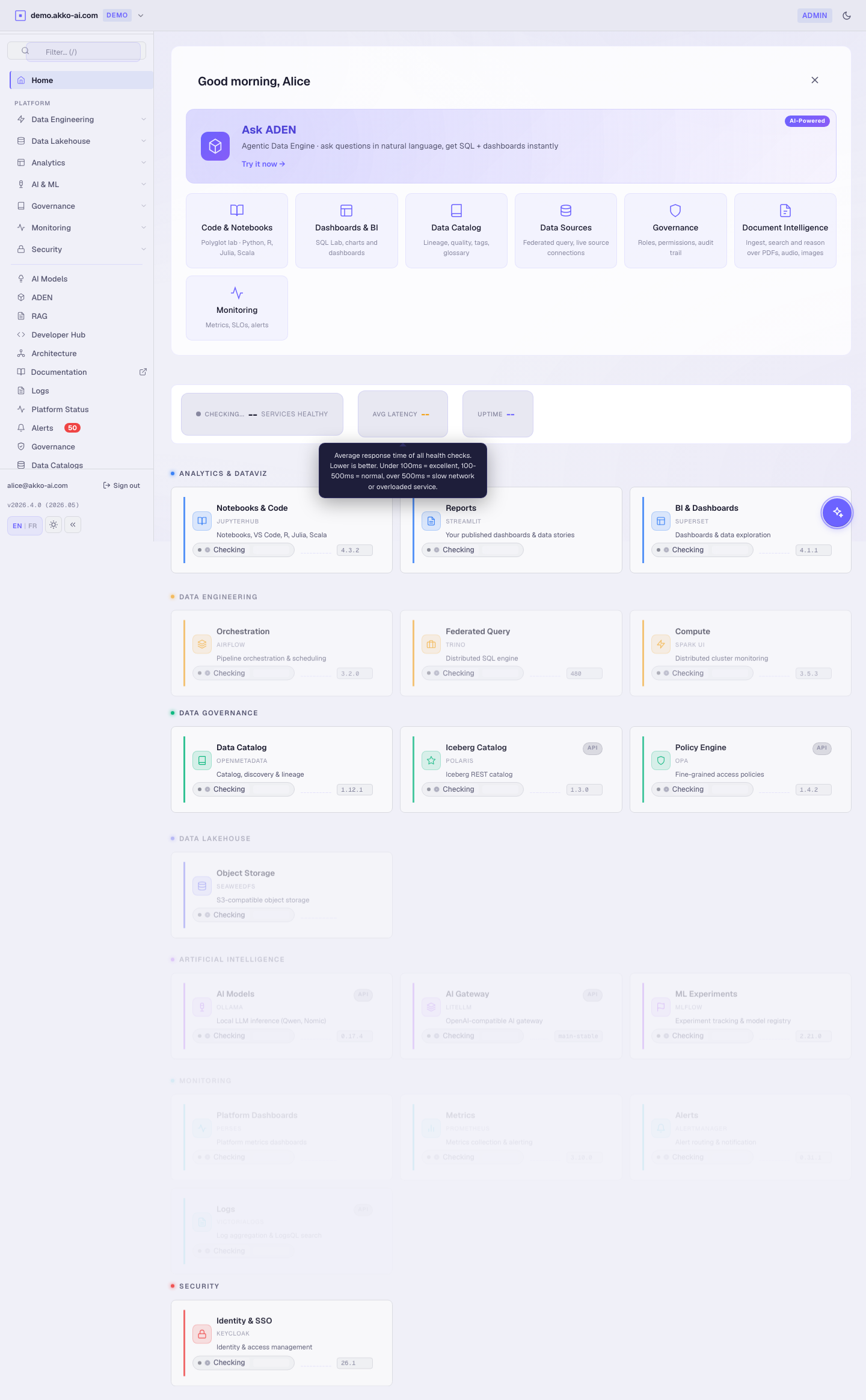
Alice — akko-admin (the operator)
- Open
DEMO_HOST, sign in asalice/alice123. - Header badge :
akko-admin(purple). - Sidebar : every page is visible.
| Can do | Cannot do |
|---|---|
| Create / edit catalogs | — |
| Manage role grants | — |
| Inspect audit trail | — |
| Stop or restart services | — |
Expected result : the Governance page shows both Platform Access and Data Access tabs, both with edit controls active.
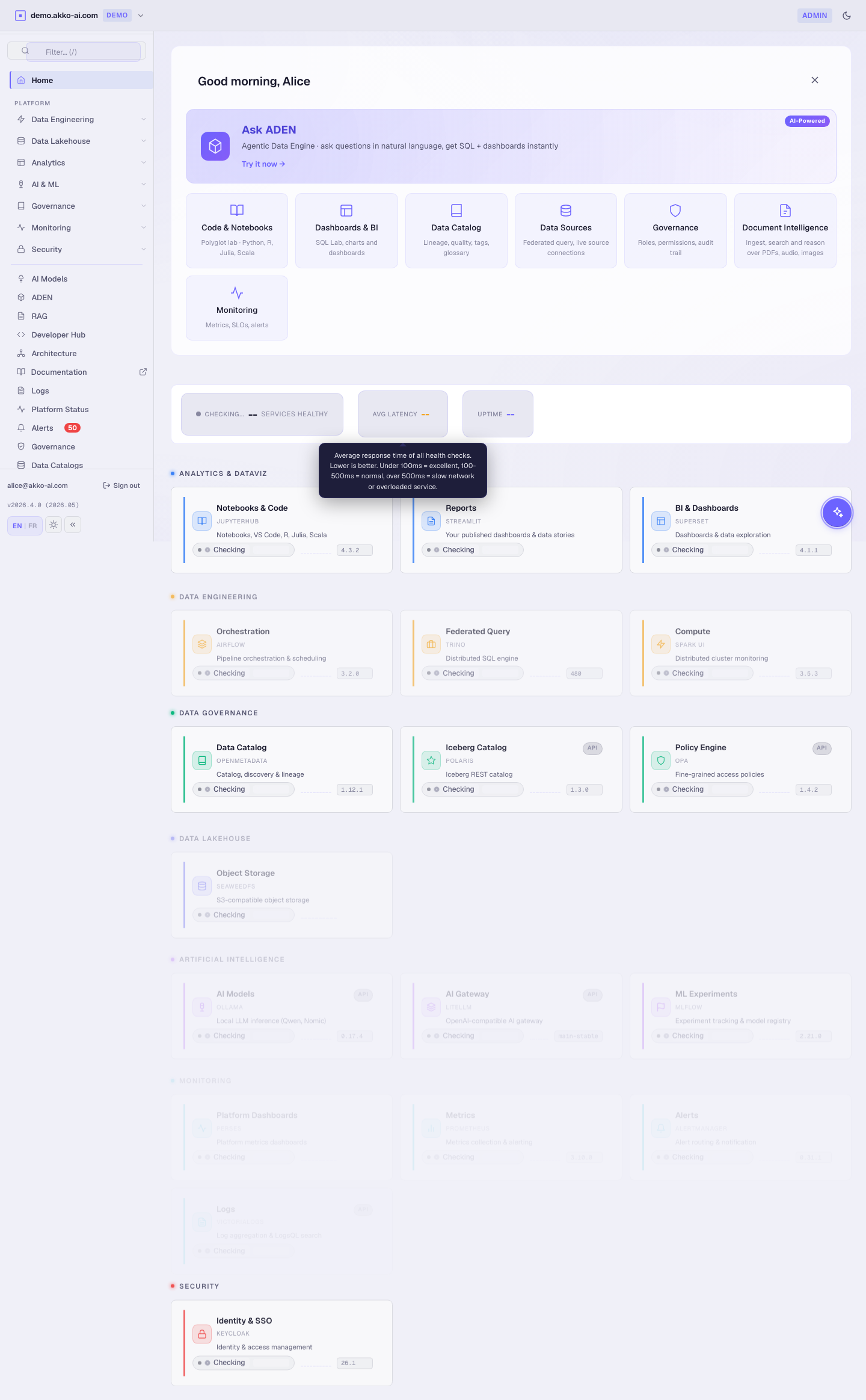
Sign out (top-right user menu).
Bob — akko-engineer (builds the pipelines)
- Sign in as
bob/bob123. - Header badge :
akko-engineer(blue). - Sidebar : Home, ADEN, Logs, Platform Status, AI Models, DevHub.
| Can do | Cannot do |
|---|---|
| Run notebooks in Lab | Edit role grants |
| Trigger compute jobs | Edit data scope |
| Browse every catalog | Approve steward reviews |
| Use ADEN with engineering scope | — |
Expected result : the Catalogs and Usage pages are hidden. The Governance tab is read-only.
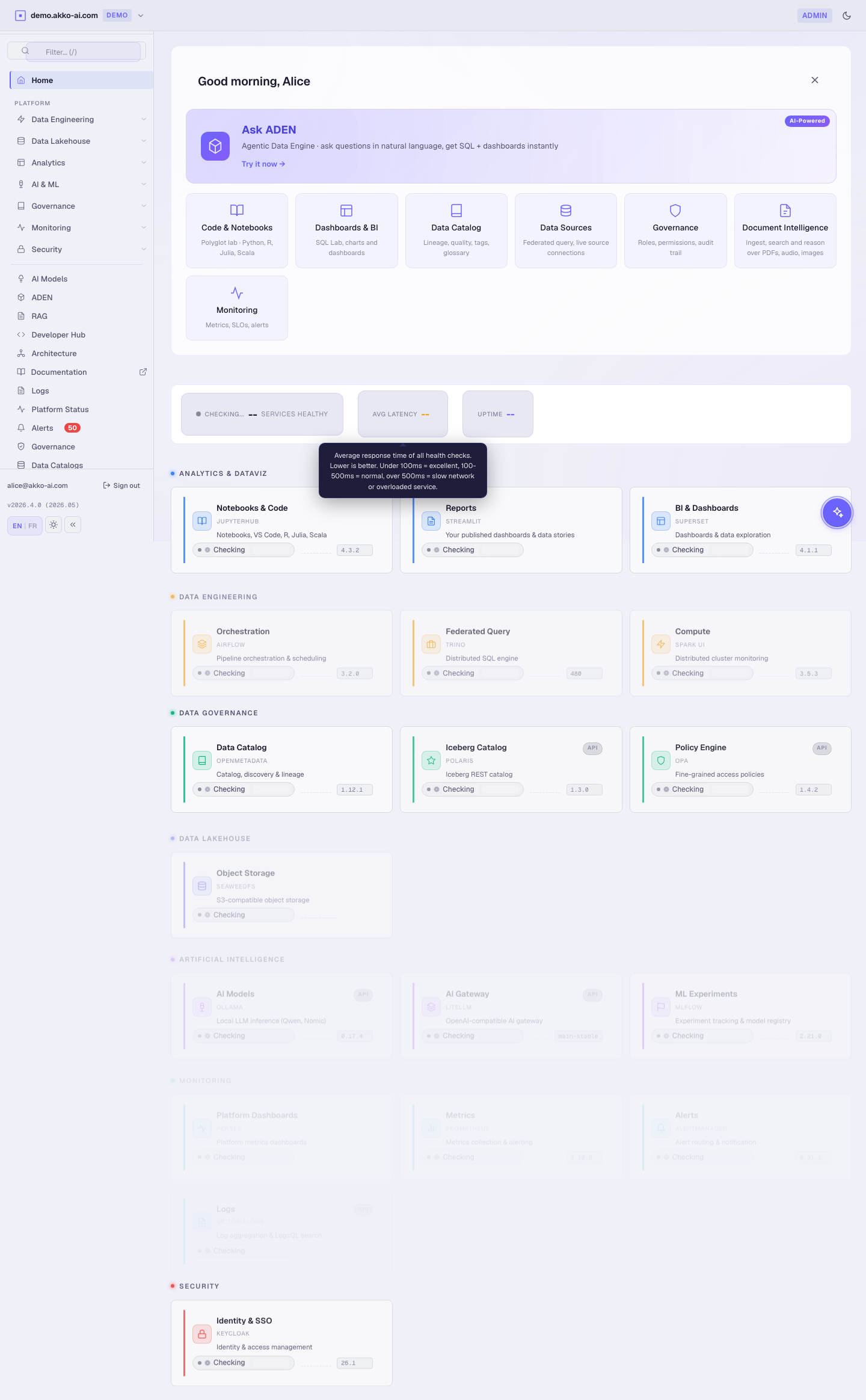
Sign out.
Carol — akko-analyst (asks the questions)
- Sign in as
carol/carol123. - Header badge :
akko-analyst(cyan). - Sidebar : Home, ADEN, Alerts.
| Can do | Cannot do |
|---|---|
| Ask ADEN any question her scope allows | Manage admin pages |
| Open BI dashboards | Create catalogs |
| Read curated tables | Write to curated tables |
Expected result : ADEN works as usual. Catalogs / Usage / Logs are not in the sidebar.
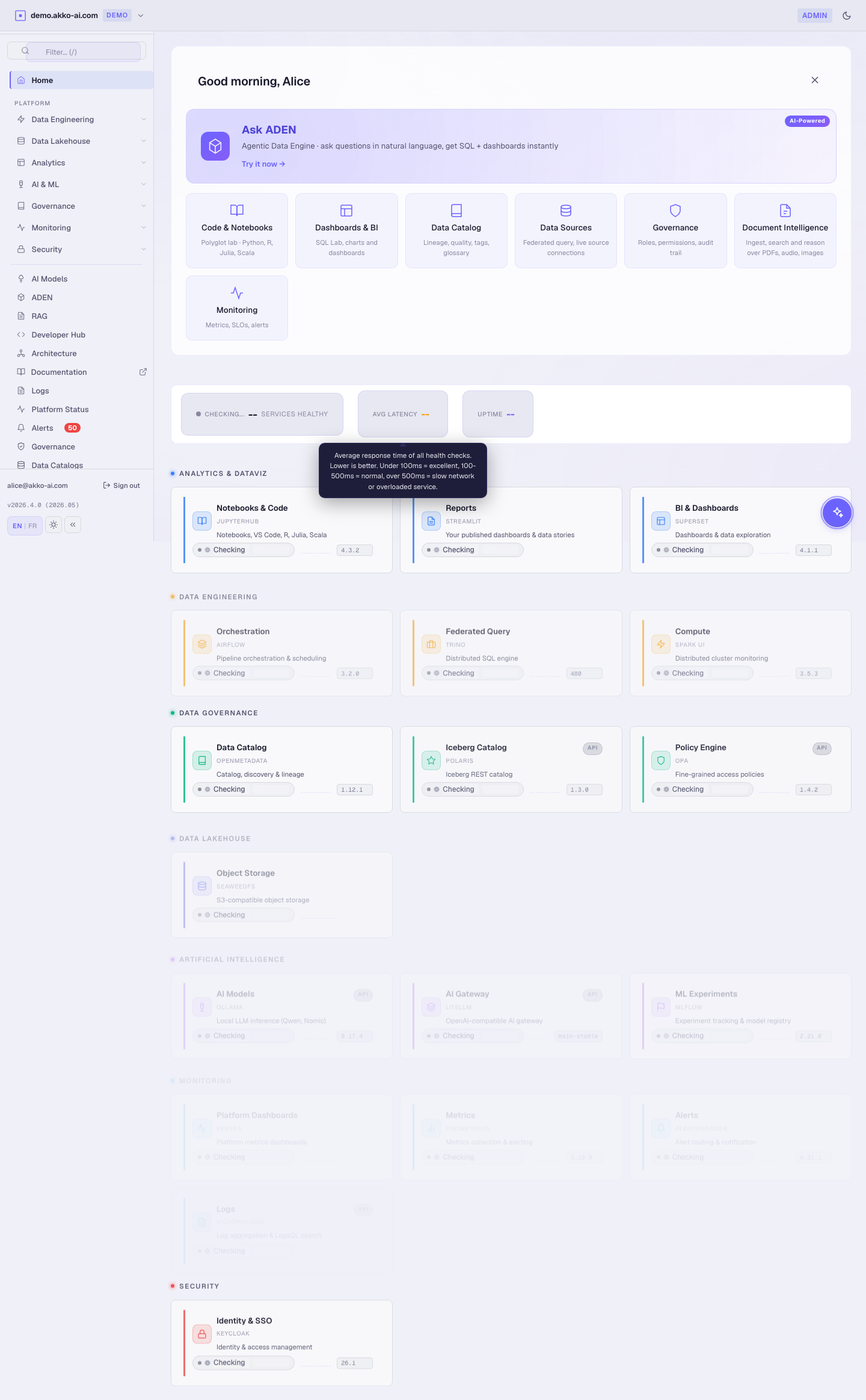
Sign out.
Dave — akko-viewer (reads the dashboards)
- Sign in as
dave/dave123. - Header badge :
akko-viewer(grey). - Sidebar : Home only.
| Can do | Cannot do |
|---|---|
| Open the Home overview | Anything else |
| Open shared dashboards (read-only) | Run ADEN |
Expected result : every admin-only sidebar entry is hidden. Visiting DEMO_HOST/#admin directly shows a "RBAC tip — ask your administrator" banner.
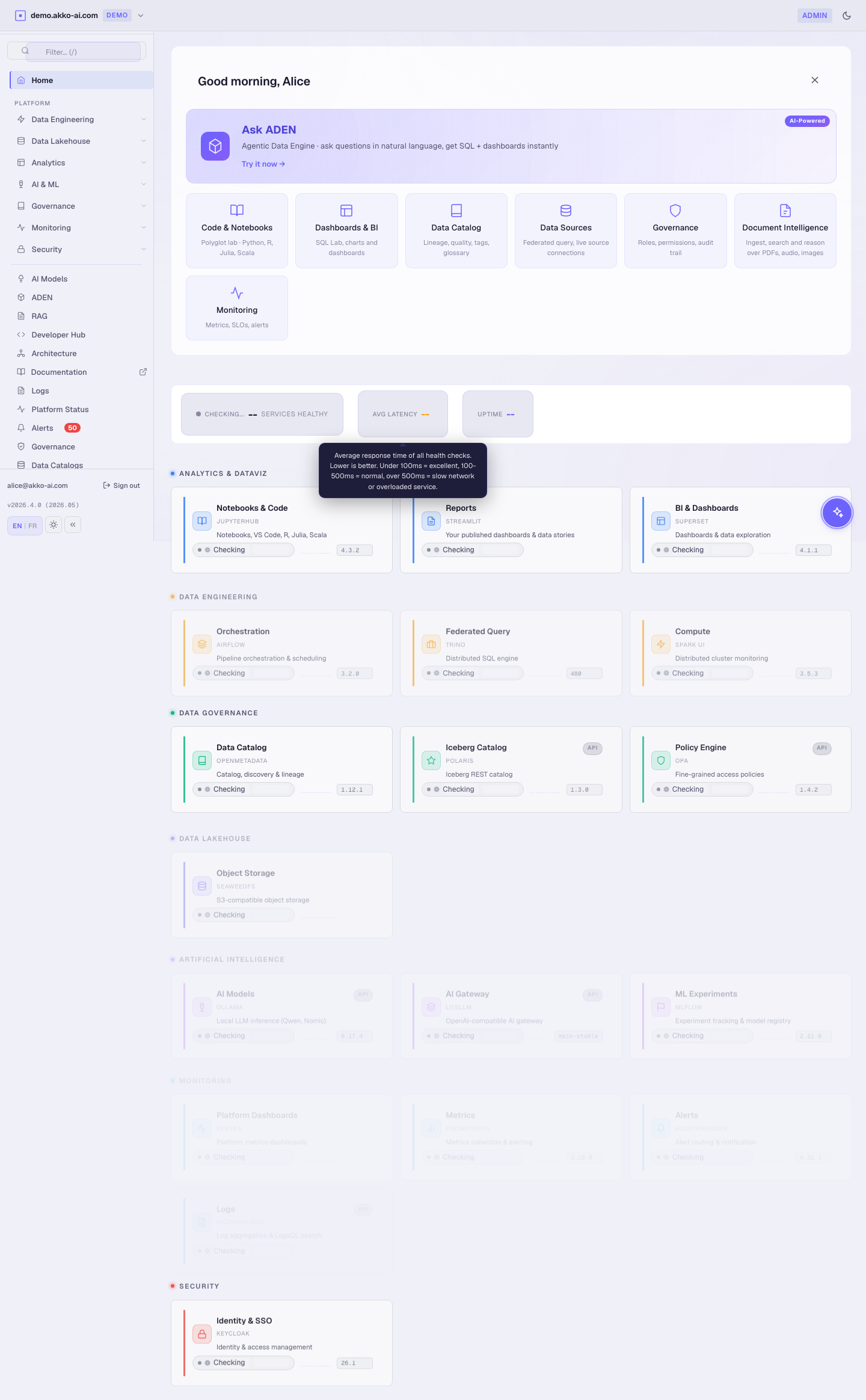
Sign out.
Eve — akko-steward (curates the catalog)
- Sign in as
eve/eve123. - Header badge :
akko-steward(green). - Sidebar : Home, Catalogs (read + classify), NORA, Audit.
| Can do | Cannot do |
|---|---|
| Approve / reject AI-suggested catalog tags | Run compute jobs |
| Edit glossary and ownership | Manage role grants |
| Read PII access logs | Edit role grants |
Expected result : NORA shows a review queue with pending AI-suggested enrichments. Approving one moves it to the curated catalog.
Sign out.
Recap matrix
| Page | alice | bob | carol | dave | eve |
|---|---|---|---|---|---|
| Home | ✓ | ✓ | ✓ | ✓ | ✓ |
| ADEN | ✓ | ✓ | ✓ | ✗ | ✗ |
| Catalogs | ✓ | ✗ | ✗ | ✗ | ✓ (read) |
| NORA | ✓ | ✗ | ✗ | ✗ | ✓ |
| Governance | ✓ | ✗ (read) | ✗ | ✗ | ✗ |
| AI Models | ✓ | ✓ | ✗ | ✗ | ✗ |
| Architecture | ✓ | ✓ | ✗ | ✗ | ✗ |
| Logs | ✓ | ✓ | ✗ | ✗ | ✓ (audit) |
| Alerts | ✓ | ✓ | ✓ | ✗ | ✗ |
Why role-by-role matters. AKKO enforces RBAC at three levels : sidebar visibility, API authorisation, and SQL row/column filtering. Hiding a page is the first defence layer — the backend will still deny a forged request.
Troubleshooting
| Symptom | Likely cause | Fix |
|---|---|---|
| Sign-in says "Invalid credentials" | Persona not seeded | Run bash helm/scripts/seed-keycloak-personas.sh. |
| Wrong sidebar entries appear for the persona | Cookies leaked from a previous session | Open an Incognito / Private window. |
| Header badge missing | First load, theme not applied yet | Refresh the page. |
| Carol sees "Catalogs" but cannot edit | Expected (read-only catalog tile) | This is by design. |
| Dave gets a 200 on admin pages via direct URL | Backend RBAC bug — report it | See Troubleshooting. |
What you just learned
- AKKO RBAC is observable from the sidebar — what you see is what you can do.
- Five personas cover every common journey : admin, engineer, analyst, viewer, steward.
- Restricted personas are filtered both client-side (UI) and server-side (API).