06 — First Data Source — Add a Catalog
Time : 5 min · Persona : alice (admin) · Path : A or B
A catalog wires an external data source (Postgres, S3, Iceberg, lakehouse) into AKKO so any analyst can query it through ADEN, BI, or the SQL Lab. This chapter walks through the self-service catalog wizard.
Pre-requisites
- You are signed in as
alice(only admins can add catalogs). - Either an external Postgres reachable from AKKO, or you can use the bundled demo Postgres.
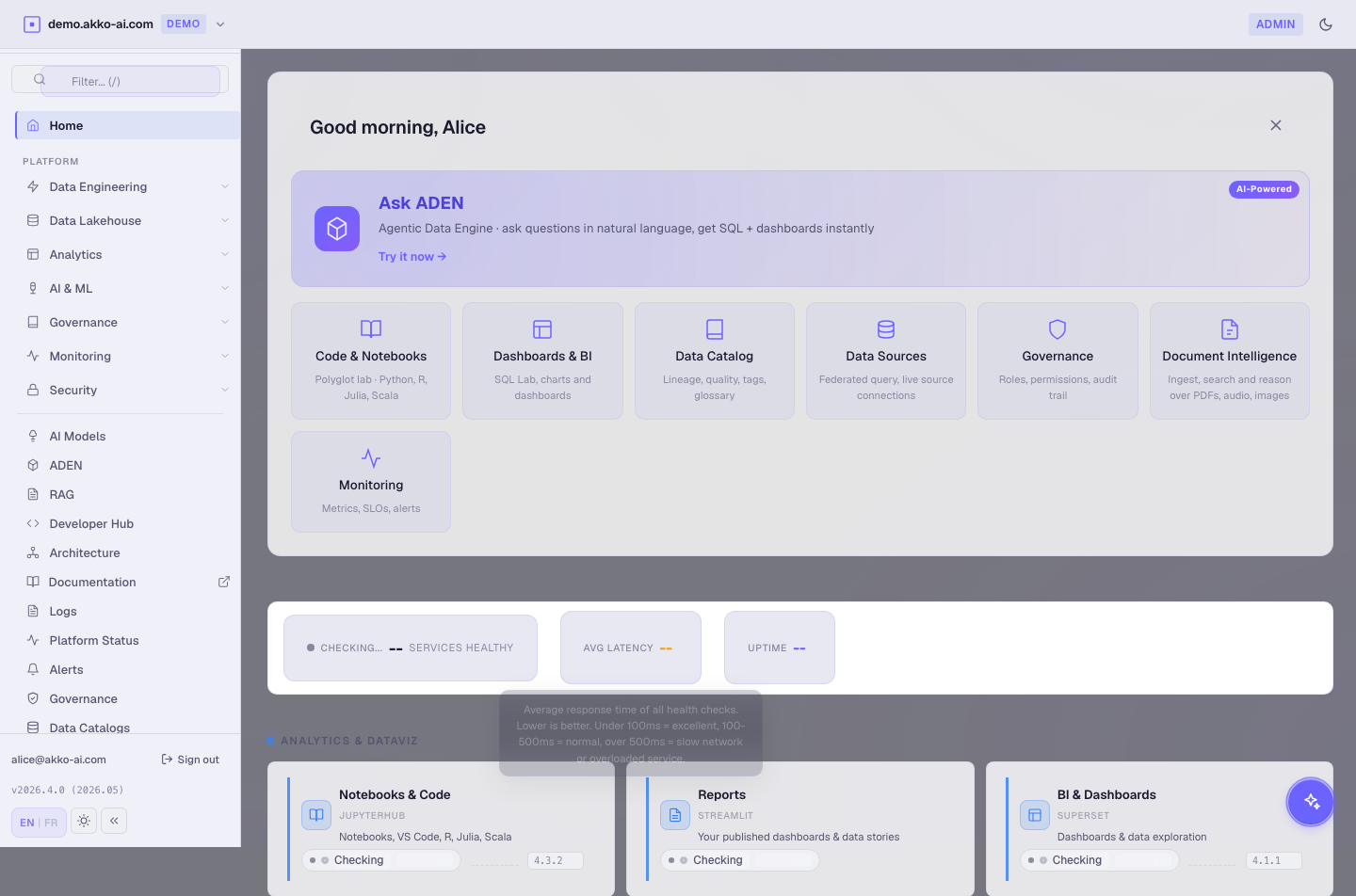
Step 1 — Open the Catalogs page
Click Catalogs in the sidebar.
You see a tree of connected catalogs. The demo banking catalog is already there.
Expected result : the tree lists ≥ 1 catalog, each with a health pill (green / amber / red).
Step 2 — Start "Add catalog"
Click Add catalog (top right).
A 4-section wizard opens.
Step 3 — Section 1 of 4 : Connection
| Field | Value |
|---|---|
| Name | demo_postgres |
| Type | postgres |
| Host | demo-sources-postgres.akko.svc (in cluster) or your own |
| Port | 5432 |
| Database | banking_raw |
Click Test connection.
Expected result : green check "Connection OK, 12 schemas detected".
If the test fails, see the Troubleshooting section at the bottom.
Step 4 — Section 2 of 4 : Authentication
| Field | Value |
|---|---|
| Auth mode | Stored secret (or Identity passthrough for OIDC sources) |
| Username | akko_demo_ro |
| Password ref | secret:demo-postgres-ro (already created by the seed script) |
Click Test auth.
Expected result : green check "Auth OK, role akko_demo_ro confirmed".
The password reference points to a Kubernetes Secret. The password itself is never visible to the cockpit.
Step 5 — Section 3 of 4 : Scope
Pick which schemas / tables become available, and how they are governed :
| Field | Value |
|---|---|
| Visible schemas | public, banking_raw |
| PII tags | Auto-detect (toggle on) |
| Row filters | Auto-generate by region (toggle on) |
| Default scope | engineering |
Click Save scope.
Expected result : the wizard prints "Scope set : 2 schemas, 14 tables, 3 PII columns auto-flagged".
Auto-detect PII. AKKO inspects column names and a sample of values. Anything matching email / phone / SSN patterns is tagged for review by a steward.
Step 6 — Section 4 of 4 : Preview
The wizard shows a 5-row preview of one table and the generated catalog metadata.
| Check | Should show |
|---|---|
| Table count | 14 |
| Tag suggestions | ≥ 3 |
| Row filter columns | 1 (region) |
| Connection latency | < 200 ms |
Click Create catalog.
Expected result : the wizard closes, the tree refreshes, demo_postgres appears with a green health pill.
Step 7 — Use the new catalog from ADEN as carol
- Sign out, sign in as
carol/carol123. - Open ADEN.
- In the scope chip, pick
demo_postgres. -
Ask :
-
Click Generate.
Expected result : ADEN returns the row counts, with carol's region = 'EU' row filter applied automatically. The trust bar shows the scope chip demo_postgres / engineering / row-filter.
Step 8 — Optional — Push it to NORA for review
Back as alice :
- Open NORA in the sidebar.
- The new catalog appears at the top of the Pending review queue (3 AI-suggested tags).
- As
eve(steward) you can approve, edit, or reject each suggestion.
This closes the loop : engineering imports a source, AI suggests classifications, a steward signs off, analysts can query it within their scope.
Troubleshooting
| Symptom | Likely cause | Fix |
|---|---|---|
Test connection : connection refused |
Wrong host / port | Verify the in-cluster service name (kubectl get svc -n akko). |
Test auth : password authentication failed |
Secret missing or wrong | Recreate with kubectl create secret generic demo-postgres-ro --from-literal=password=.... |
| Wizard hangs on Section 4 | Source has > 5000 tables | Limit Visible schemas then retry. |
demo_postgres shows red health pill |
Source went down | Check the source, then click "Refresh health". |
| Carol cannot see the new catalog | Scope engineering doesn't grant her access |
Switch the catalog's default scope to analyst or grant carol the engineering role. |
What you just learned
- Self-service catalog wizard in 4 sections : Connection / Auth / Scope / Preview.
- PII auto-detection feeds the steward queue, never the analyst.
- New catalogs become queryable from ADEN, BI, and SQL Lab instantly.