04 — First Query — Natural-Language SQL via ADEN
Time : 5 min · Persona : alice (or any persona with ADEN access) · Path : A or B
ADEN is the AKKO natural-language query surface. You type a question in plain English, ADEN proposes a SQL plan, runs it through the governed query engine, and returns a result table plus an optional dashboard suggestion.
Pre-requisites
- You completed chapter 03 and can sign in.
- The banking catalog is seeded (default on the live demo and after
bash helm/scripts/seed-demos.shlocally).
Step 1 — Sign in as alice
Open DEMO_HOST. Log in with alice / alice123.
Expected result : cockpit Home loads with the akko-admin badge.
Step 2 — Open ADEN
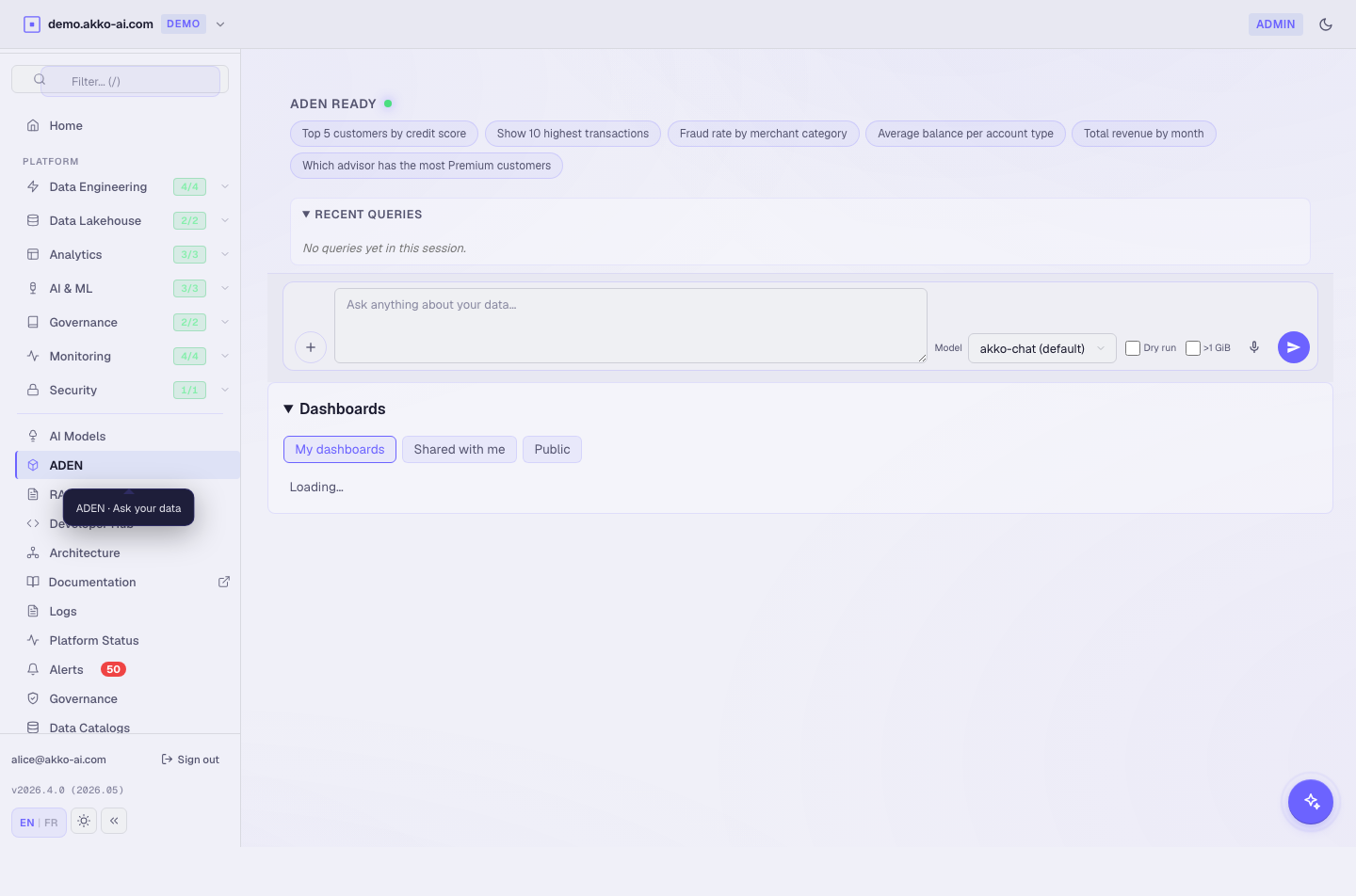
Click ADEN in the sidebar. The page header reads ADEN — Ask, Discover, ENrich.
You see :
- A Topic input box.
- A Scope chip showing the current data scope (default :
banking_curated). - A Model chip showing the LLM that will craft the SQL (default :
qwen-coder-7b). - A History panel on the right.
Step 3 — Ask your first question
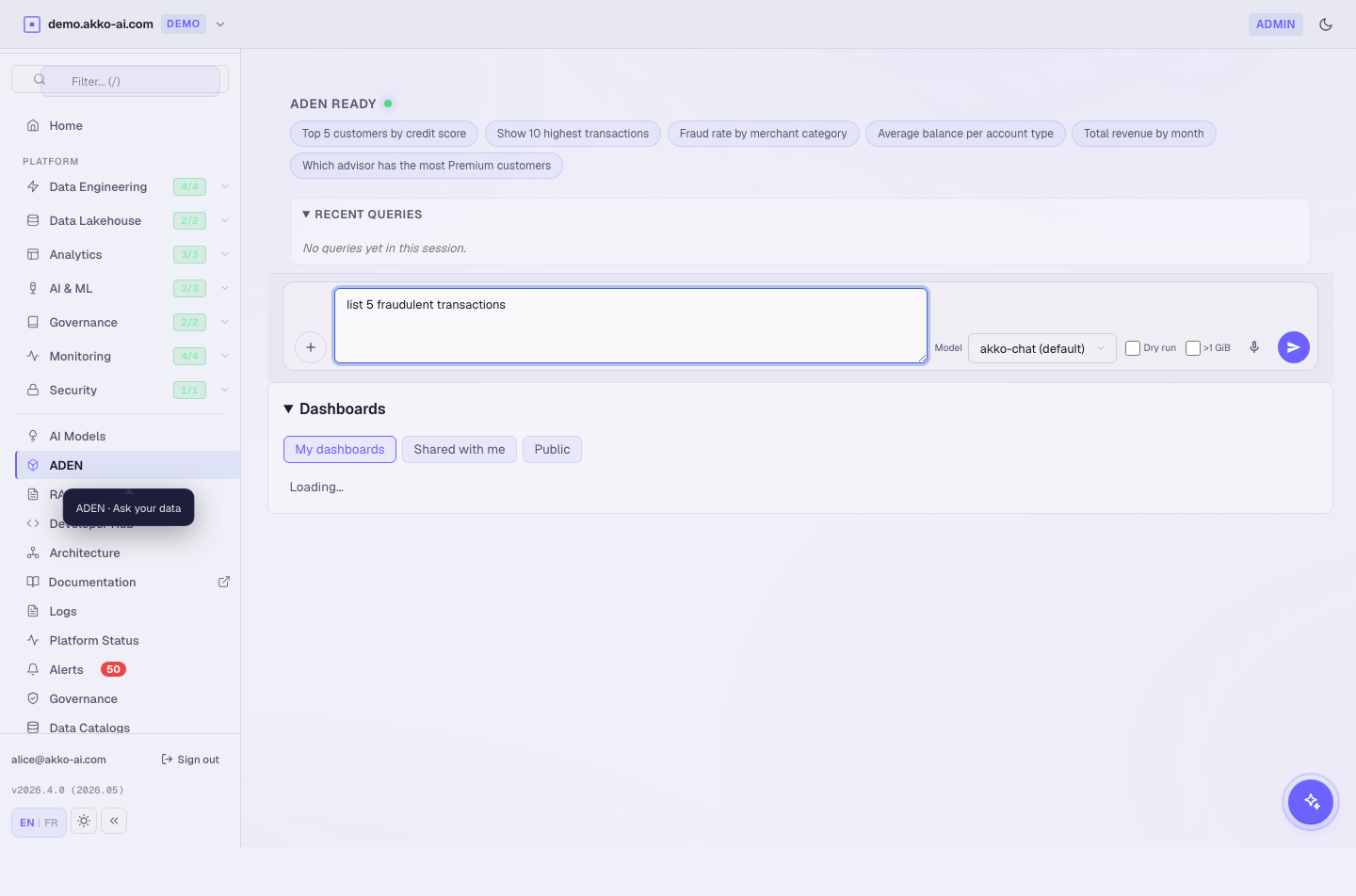
Type :
Click Generate.
Expected result : within 5 to 15 seconds you see four panels :
| Panel | Content |
|---|---|
| Generated SQL | A SELECT … FROM banking_curated.fact_transactions WHERE is_fraud = TRUE LIMIT 5 plan. |
| Trust bar | Semantic-layer match score, scope chip, model used, redaction notes. |
| Result table | 5 rows of fraudulent transactions with id, amount, merchant, timestamp. |
| Suggested dashboard | A "Apply suggested dashboard" button. |
Why a trust bar? ADEN never returns a result without telling you which scope, which semantic terms, and which model produced it. You can audit every step.
Step 4 — Inspect the SQL
Click Show SQL in the Generated SQL panel. The full plan expands.
You can :
- Copy the SQL with one click (clipboard icon).
- Open it in the SQL Lab (BI surface) for further editing.
- Save it to your personal Saved Queries.
Expected result : the SQL is valid, prefixed by the chosen catalog, and respects the row filters of your scope. For alice (admin) no rows are masked.
Try the same query as
caroland watch aWHERE region = 'EU'clause appear — that's the row filter from carol's scope. See chapter 07.
Step 5 — Apply the suggested dashboard
Click Apply suggested dashboard.
ADEN :
- Creates a new BI dashboard called "Fraudulent transactions — top 5".
- Adds three charts : a number tile (count), a bar chart (top merchants), a line chart (24h trend).
- Opens the dashboard in the BI surface.
Expected result : you land on the new dashboard. The three charts render in less than 3 seconds.
Step 6 — Save and share
In the BI dashboard header :
- Click Save → the dashboard is added to
My dashboards. - Click Share → copy the link.
Carol (or any analyst) opens the link, signs in, and sees the same dashboard with her own row filters applied.
Expected result : the share link is DEMO_HOST/bi/dashboards/<id> and resolves through the identity provider.
What ADEN protects you from
- Hallucinated table names — ADEN refuses to invoke a table that does not exist in your scope.
- Schema drift — when a column is renamed, the next query suggestion uses the new name.
- Permission leaks — the SQL is run with your identity, not a service account. Row and column filters apply server-side.
Why this matters. A natural-language interface without governance is a liability. ADEN ties every query to your identity and your scope.
Troubleshooting
| Symptom | Likely cause | Fix |
|---|---|---|
| "No catalogs in scope" | No catalog is mapped to your scope | Run chapter 06 to add one. |
| Generated SQL references unknown table | Semantic layer not seeded | Run bash helm/scripts/seed-demos.sh (local). |
| Query takes > 30 sec | Cold model + cold engine | Wait 30 sec and retry — second run is < 3 sec. |
| Dashboard suggestion 500 | BI surface degraded | Check the Alerts sidebar entry. |
| Carol sees fewer rows than alice | Row filter from her scope | Expected — see chapter 07. |
What you just learned
- ADEN turns plain English into governed SQL in under 15 seconds.
- Every result is traceable : scope, model, semantic terms.
- A single click promotes a query to a shareable dashboard.